
Focused recording from the music app
Select the active Spotify or Music app as the source. CAT records the selected app so other Mac sounds are not automatically included in the same recording.
Spotify and Apple Music as a source
CAT can use Spotify or Apple Music as its source and follow supported metadata during recording for separate exports.
Select the active Spotify or Music app as the source. CAT records the selected app so other Mac sounds are not automatically included in the same recording.
During a normal recording, CAT checks available metadata from the supported player. A confirmed track change is the primary signal for completing a segment.
Only record audio you created, licensed or are otherwise legally permitted to capture and store.
In practice
CAT combines a focused audio source with exports you can use directly in your own workflow.
View download and installation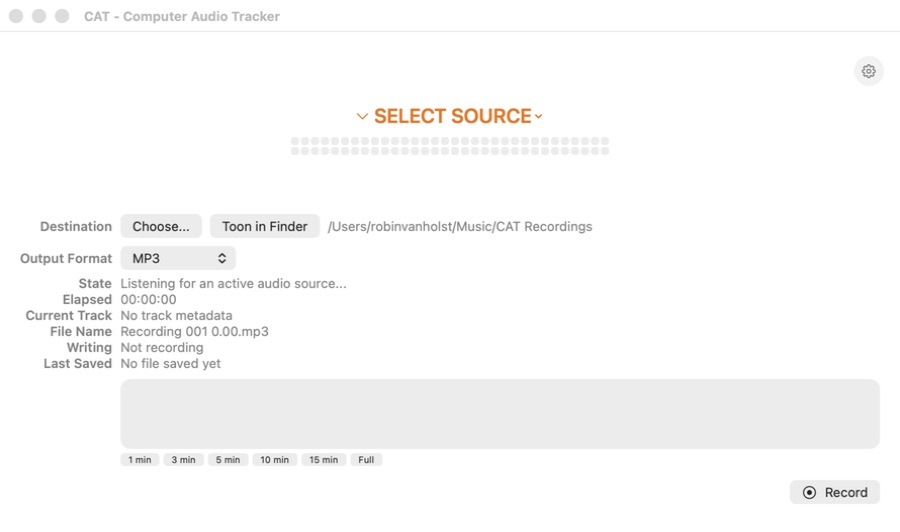
Frequently asked questions
Not during normal use. Targeted playback control only occurs after a direct action from you in CAT.
No. Rights and service terms still apply. Only use CAT for audio you are legally allowed to record and store.
CAT for macOS