
MP3 for broad compatibility
MP3 works with almost every player, editor and library. It is a practical choice when files will be used on different devices or systems.
Record MP3 and M4A
CAT exports completed recordings as MP3 or M4A/AAC. You can configure a separate bitrate for each format.
MP3 works with almost every player, editor and library. It is a practical choice when files will be used on different devices or systems.
M4A with AAC fits well into Mac and Apple workflows and produces compact audio files. CAT keeps the M4A and MP3 settings separate.
The selected bitrate is applied during export, so you do not need an additional conversion step after every recording.
In practice
CAT combines a focused audio source with exports you can use directly in your own workflow.
View download and installation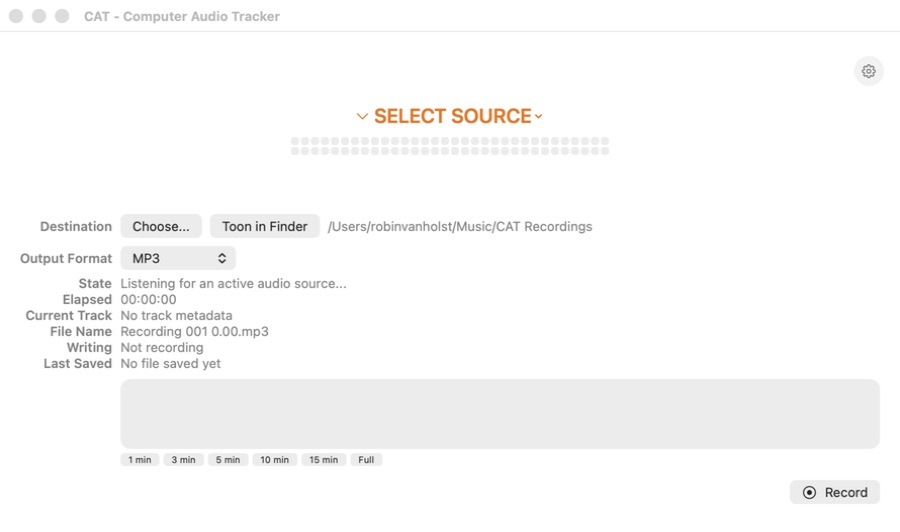
Frequently asked questions
Yes. In CAT settings, choose the format to use for future exports.
No. The required FFmpeg components are included in CAT and are signed and delivered with the app.
CAT for macOS